
CapCut
CapCut for Windows is ByteDance's desktop video editor, with a timeline, templates and export presets for short and long videos.
533.8 MB

Any Video Converter is a Windows program from Anvsoft for converting video and audio between formats, with basic editing and AI enhancement tools.
Average 0.0 · ratings: 0
Thank you! Your rating is saved; you can change it. Could not save the rating. Please try again later. Too many ratings from your network today. Please try again tomorrow. The average appears after 5 ratings.
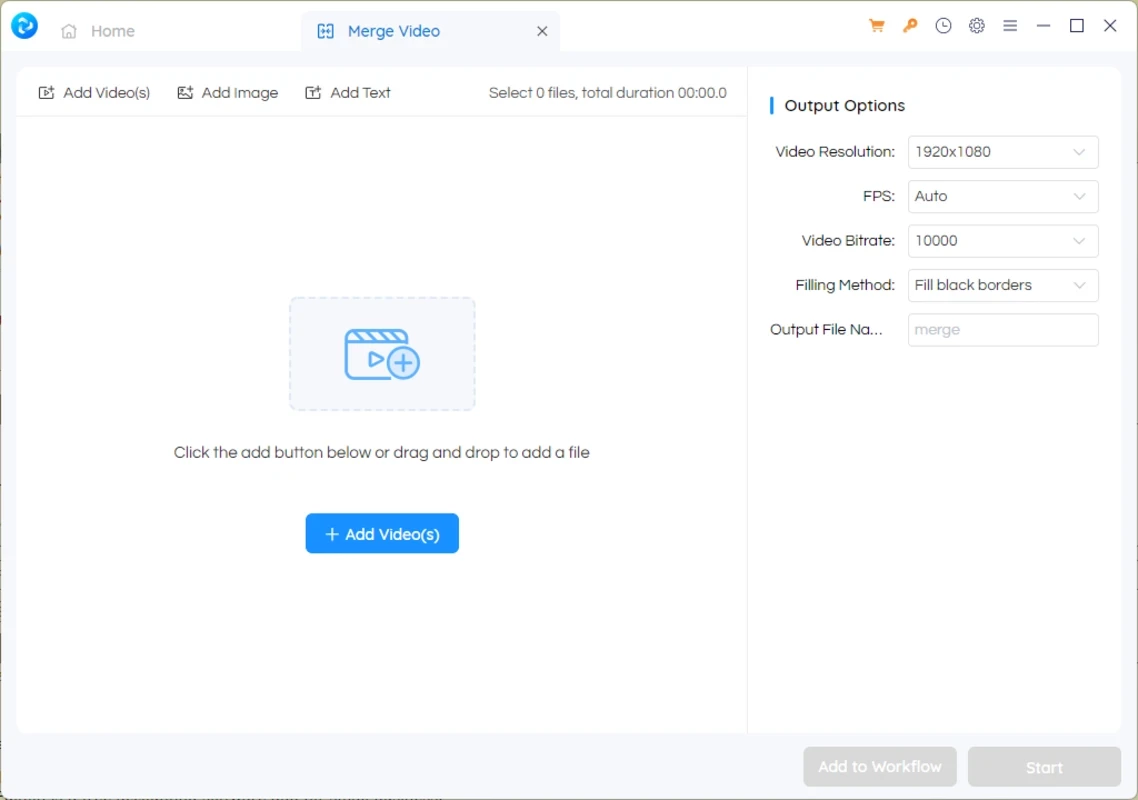
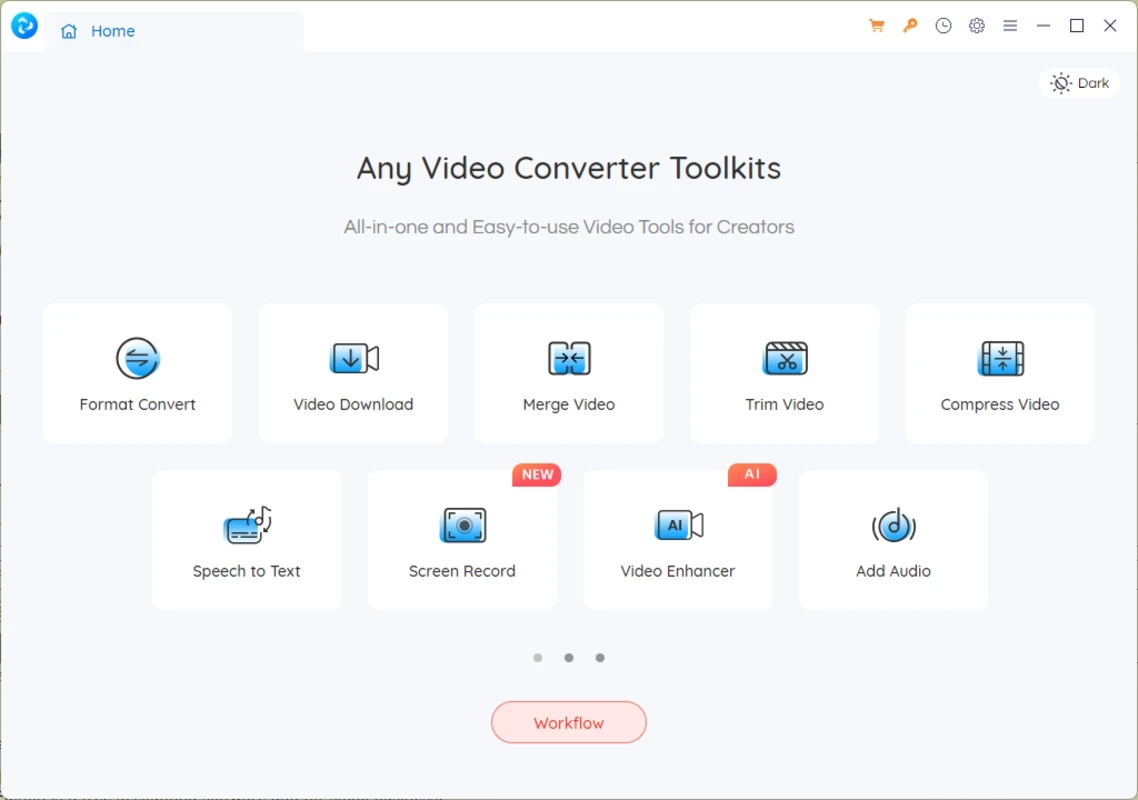
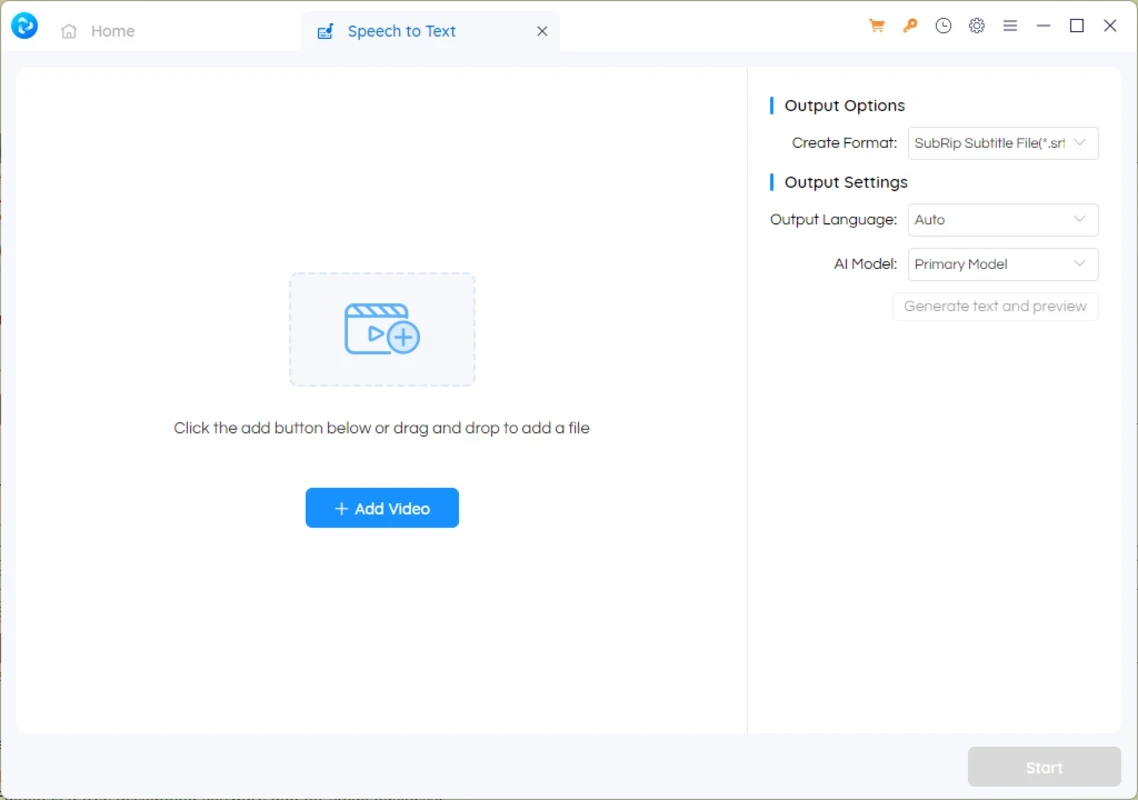
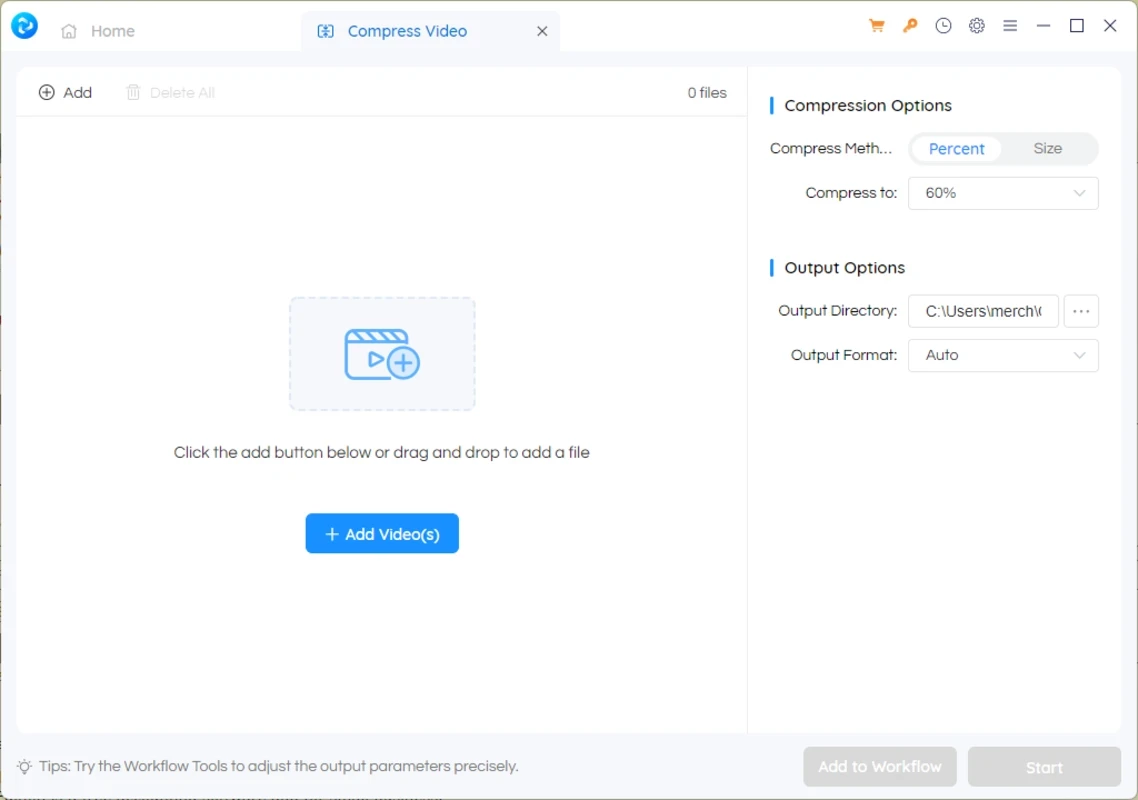
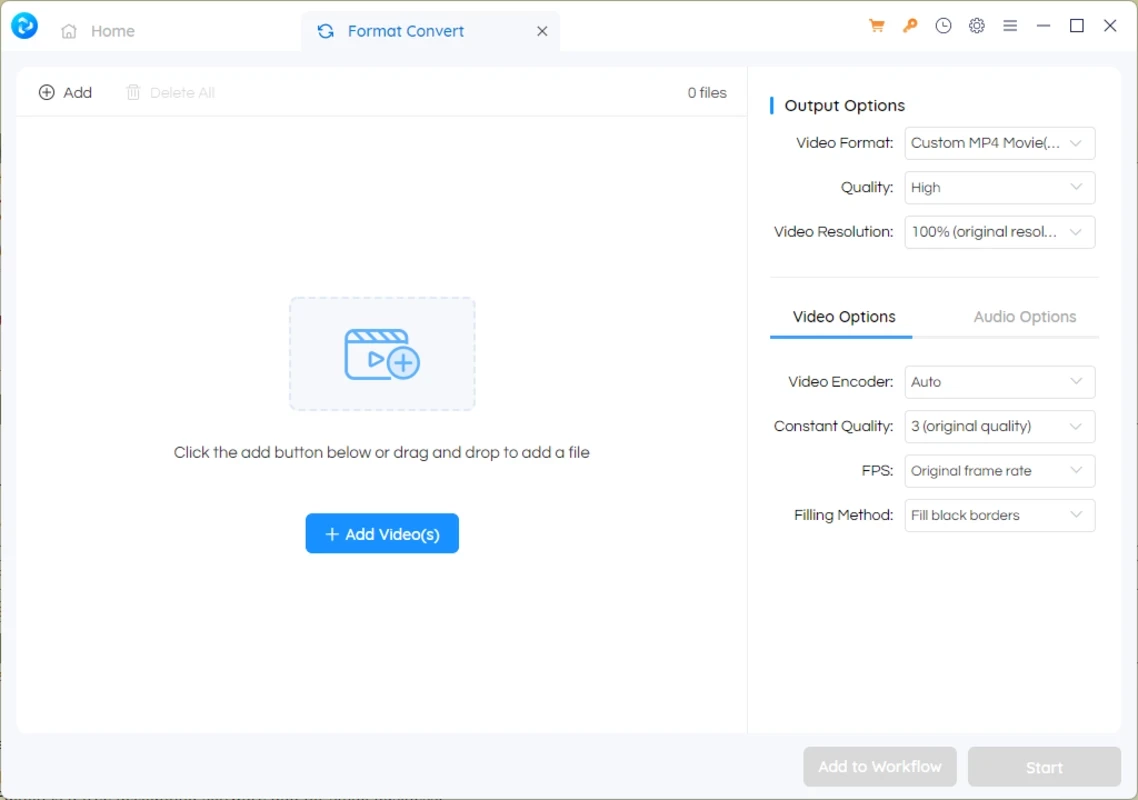
Any Video Converter 9.2.5 is a video conversion program for Windows from Anvsoft Inc., first released in 2005. You download Any Video Converter to turn a video into a format your phone, TV or editor accepts, extract audio, or shrink a large file for sharing.
| Item | Details |
|---|---|
| Version | 9.2.5 |
| Developer | Anvsoft Inc. |
| Systems | Windows 11/10 (64bit); macOS 12 and above |
| CPU | 1 GHz Intel or AMD for basic operation; Intel i5 10th Gen or AMD Ryzen 5 for AI Video Enhancement |
| RAM | 2GB basic; 8GB - 16GB for AI Video Enhancement |
| Video RAM | 4GB or more for AI Video Enhancement |
| Disk | 256GB SATA SSD recommended |
| Size | about 270.69 MB according to catalogue data |
The full list is on the official tech specifications page.
Video files come in many containers and codecs, and not every device plays every combination. Any Video Converter takes almost any input, such as MP4, MKV, AVI, MOV, WMV or FLV, and converts it into the format you choose, with presets for phones, tablets, consoles and web platforms so you do not need to know bitrates and codecs. It can also convert audio, rip audio tracks from videos, and join several clips into one file. Simple editing tools let you trim the start and end, crop the frame, rotate, add subtitles and adjust brightness or contrast before conversion. Hardware acceleration on supported graphics cards speeds up long jobs. Newer versions add AI features, such as upscaling low-resolution video or reducing noise; these are the demanding tasks behind the higher RAM and video memory figures in the table. Batch mode lets you queue a whole folder and walk away.
The core converter is free to use. Some advanced features, including parts of the AI toolset, are offered in paid editions; check the current terms on the developer's site.
Download only from the official site. Converted videos stay on your PC; nothing needs to be uploaded. The version history lists changes and fixes in each release.
For phones and messengers, pick a device preset rather than keeping the original resolution: the file becomes much smaller with little visible loss. Convert a short test clip first when you try new settings.
Other converters on our site include Format Factory and Green Free Video Converter. For full editing, try Shotcut or DaVinci Resolve, and VLC media player can also convert files.
CapCut for Windows is ByteDance's desktop video editor, with a timeline, templates and export presets for short and long videos.

VLC media player is a free, open-source video and audio player for Windows from the VideoLAN team. The current release is 3.0.24.

Green Free Video Converter is a small free Windows program for converting video files between common formats for phones, players and editors.

Format Factory is a free Windows multimedia converter from Free Time for changing video, audio and image files between formats.

Streamlabs OBS, now called Streamlabs Desktop, is a free open-source Windows app for live streaming and recording with built-in alerts and overlays.

Free Cam is a free screen recorder for Windows from iSpring Solutions for recording screencasts with voice-over and trimming them before export.

TikTok for Windows is the desktop app of the short-video platform from TikTok Pte. Ltd., available free from the Microsoft Store.

Iriun Webcam is a small free Windows program that turns an Android phone or iPhone into a wireless webcam for video calls and streaming.